The lab asks for an online blog and a record of the setup process. My blog uses Hugo Extended with the hugo-coder theme. It is a course portfolio rather than a single stream of unrelated posts.
Organising the work Link to heading
The Courses page gives each subject its own space. Posts carry a course code, such as HCI, so they appear automatically on the right course page. Within each homework, lecture headings keep the answers separate. Lab work gets its own post.
The site uses an English interface, my name, and a dark colour scheme. The theme handles the basic navigation, while the course pages and portfolio styles give it a different structure from the reference site.
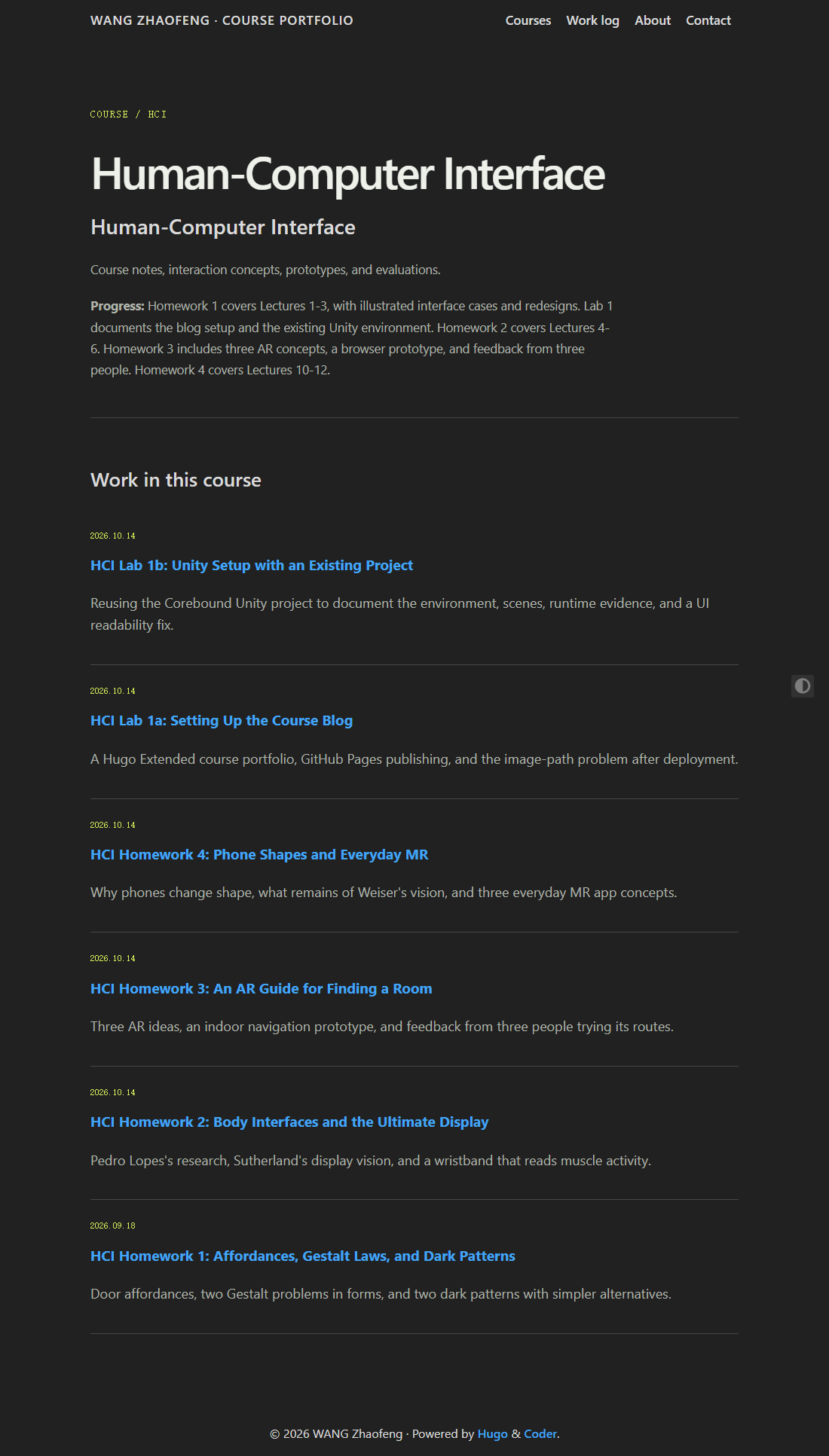
The HCI page, captured from a local production build.
Publishing with GitHub Pages Link to heading
The site files are stored in GitHub. A push to the main branch starts a workflow that builds the site with Hugo Extended 0.166.0 and deploys it to GitHub Pages. The Extended version matters because the theme compiles Sass styles.
For local editing, the usual loop is to change a Markdown post, preview it with hugo server, and check the production build before pushing. Images are kept with the site rather than hotlinked from another website.
The image-path problem Link to heading
Images initially failed after publishing. A path starting at /images/ points to the domain root, but this site lives under /myblog/.
The fix was to use the portfolio image shortcode, which passes the image path through Hugo’s relURL. It generates the correct /myblog/images/... address. The image file still needs to be tracked in Git; a local file alone is not enough.
After a change, I check the deployed page as well as the local preview. That catches missing assets and path problems that are easy to miss before publishing.